


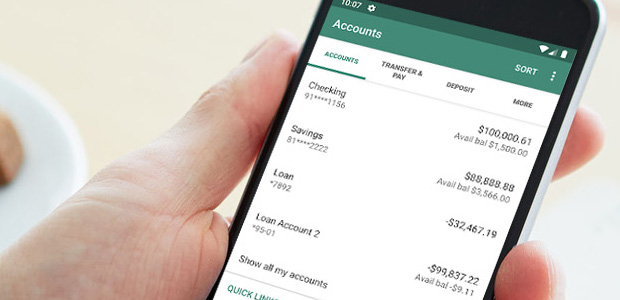
A BETTER CARD EXPERIENCE AT YOUR FINGERTIPS
Finally putting your finances in your own hands. Literally.
Ready for an easier way to manage your cards? Our upgraded GF Mobile App puts more control, convenience and safety in your hands. From instant card activations to clearer merchant transaction info to robust fraud protections, now you can do even more from one convenient place. Using Greenville Federal’s GF Mobile Banking App, debit card holders can now further manage their card activity, look up transactions, establish alerts, track spending, and restrict usage. Card Management is another way to be in control and have added security of your spending. GF Mobile continues to allow our customers to view account balances, deposit checks using a mobile camera, transfer funds, bill pay, and find the nearest ATMs. It also comes with Fingerprint Scan and Face ID Authentication. Read about these great features below!
Digital Card Info |
|
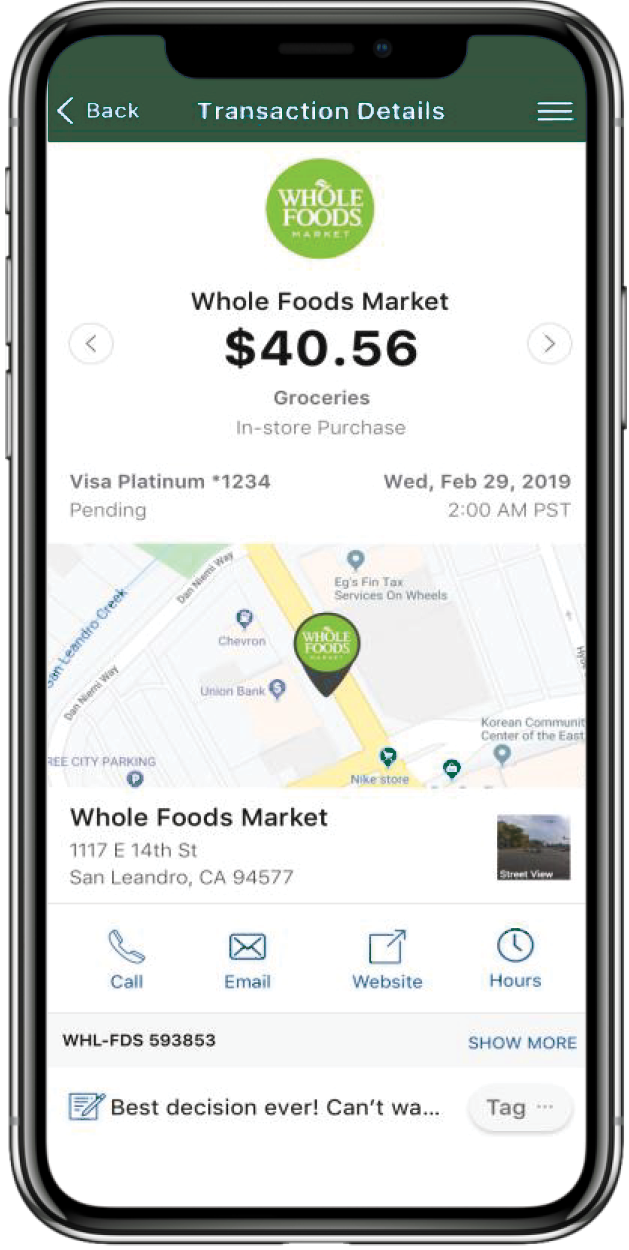
Transaction Details |
|
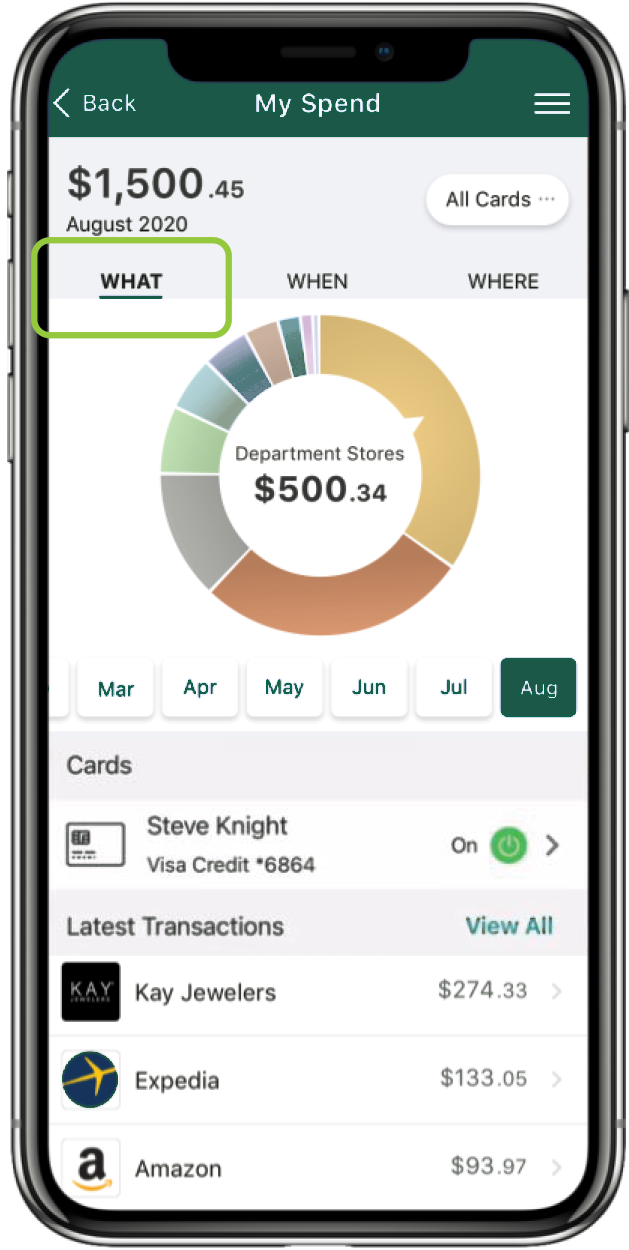
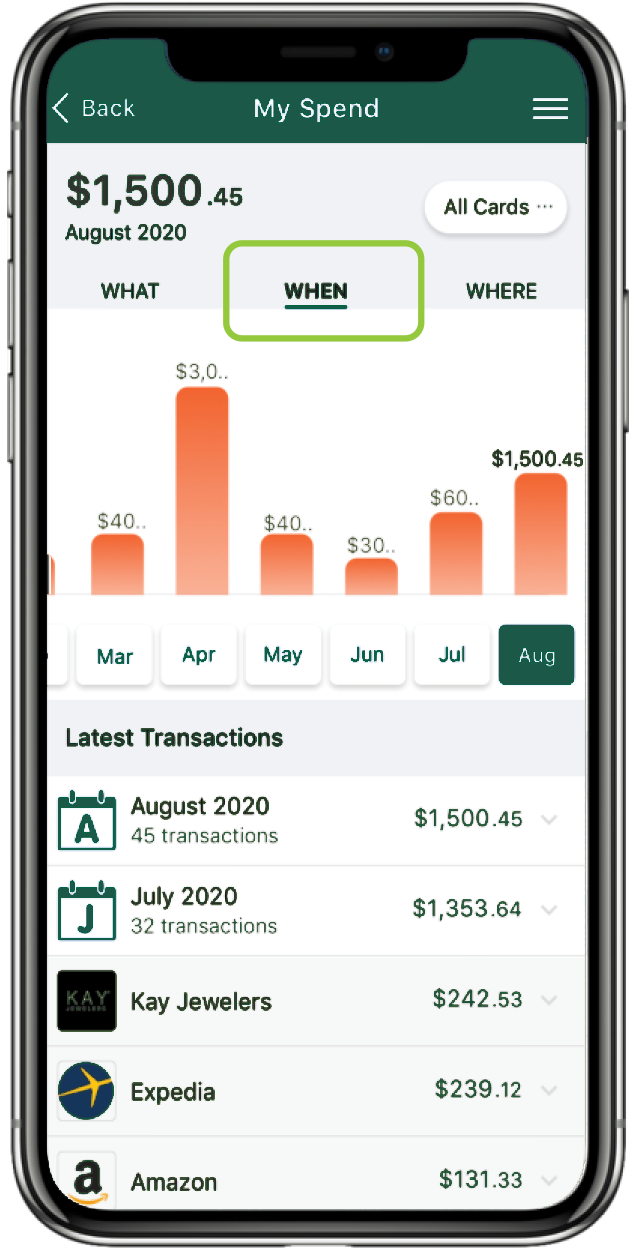
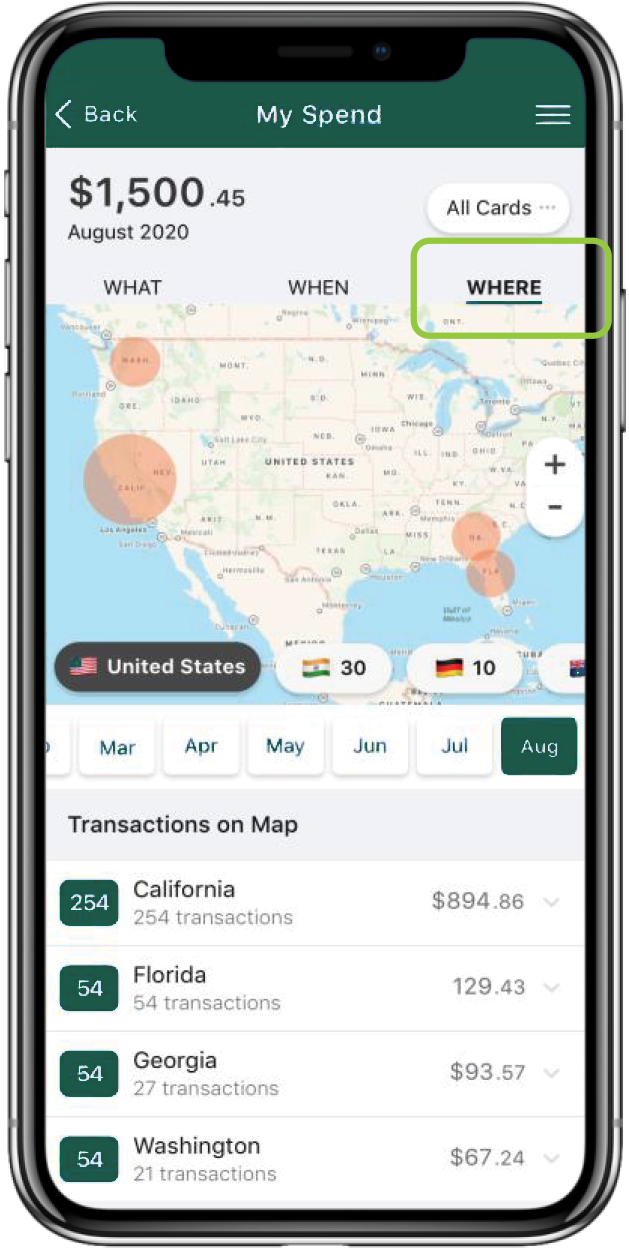
My Spend – Spending Insights |
|
Click to Call |
|
Alerts & Controls: Transaction alerts done in real time |
|
Travel Plans |
|
 |
 |
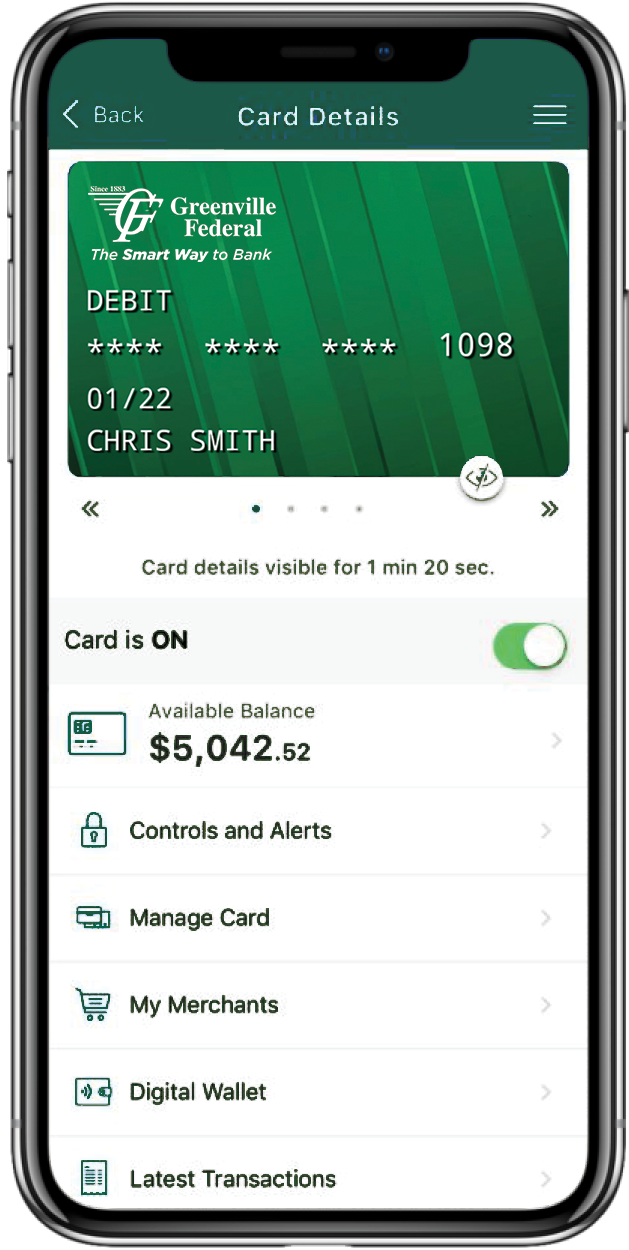 |
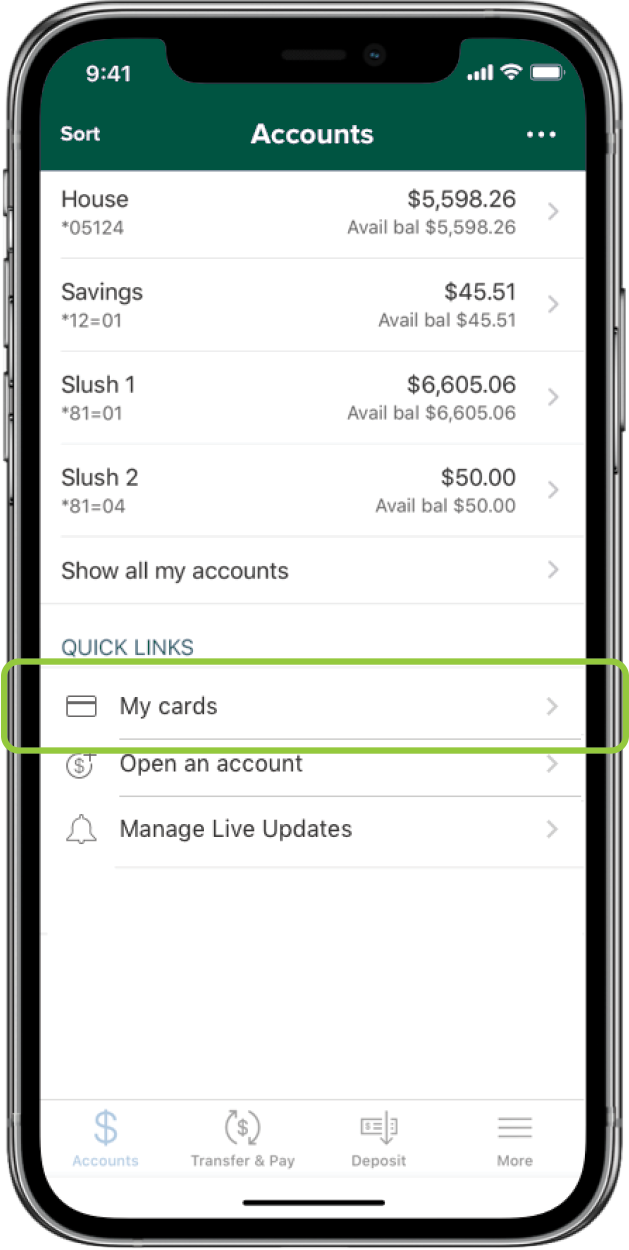
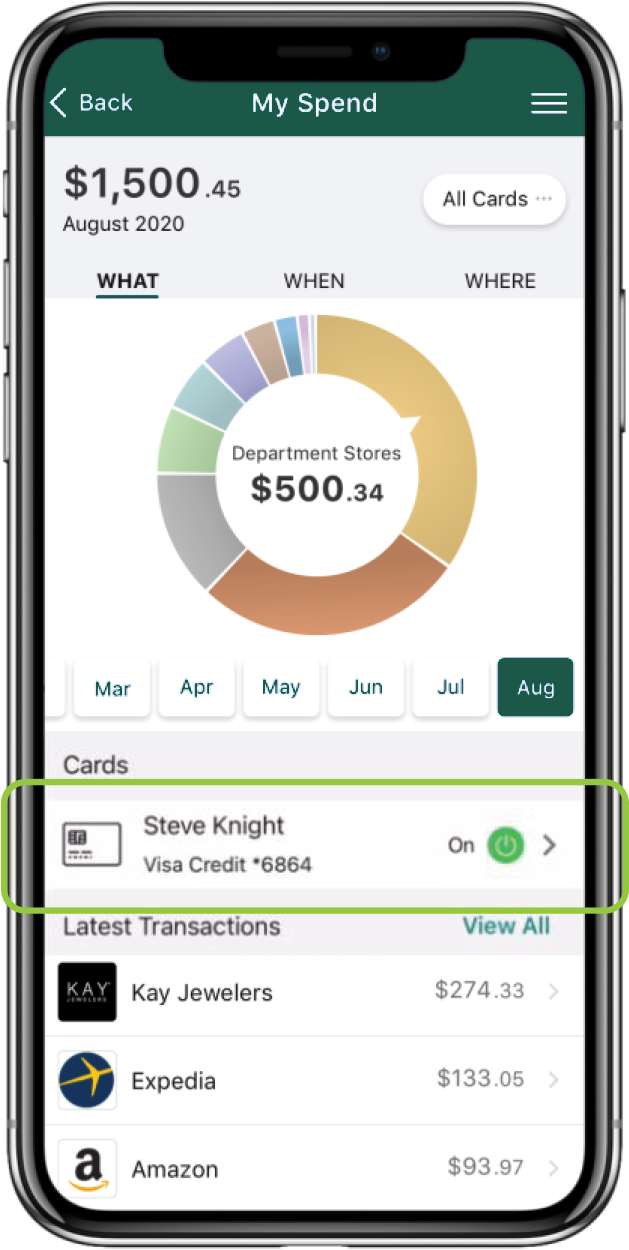
| Once you log in to your GF Mobile App you will see the accounts screen. Tap “My Cards” to get started. | Card Control Dashboard allows you to view spending, transactions, list your cards and much more! | Turn your card on or off, configure controls and alerts, manage your card, see store merchants and more! |
| Monitor Your Spending Habits | |||
|
|
|
|
|
Click below to download GF Mobile on your Mobile Device today!


